Clipboard






A FoundryVTT module that adds a clipboard application to the game that keeps track of the items you copied.
Overview
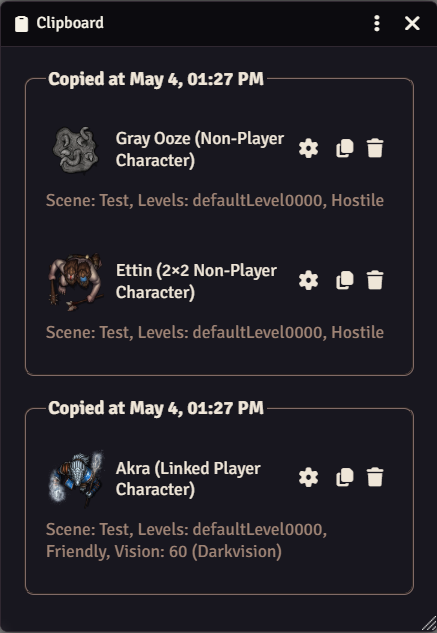
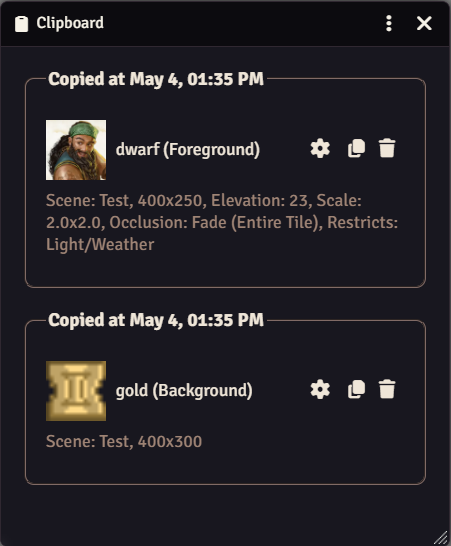
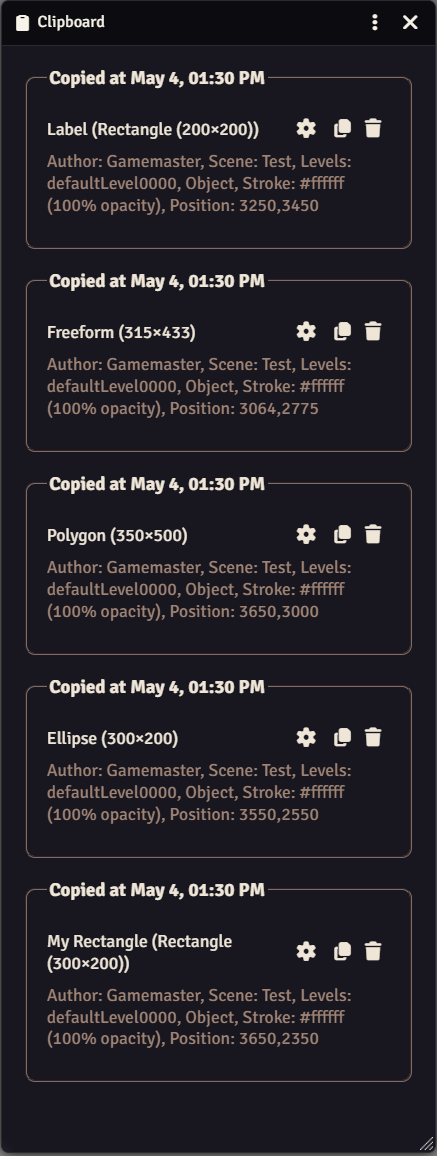
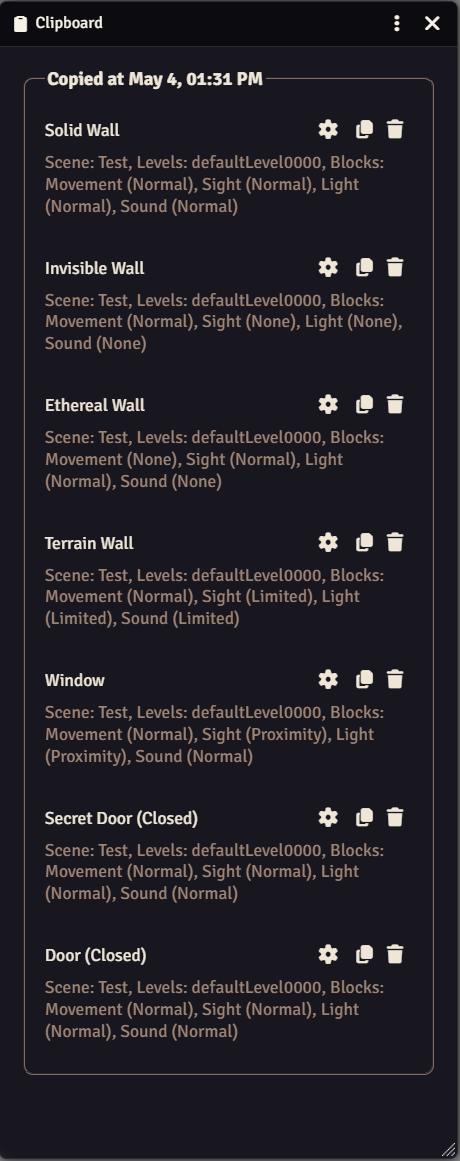
Clipboard keeps a history of what you copy instead of only the most recent item. Each layer - tokens, tiles, walls, and the rest - gets its own clipboard button and its own history, and you can paste back any entry individually or all at once. The history persists across scenes, so you can copy from one and paste into another.
Features
- Adds a clipboard button to each layer (tokens, tiles, walls, etc.) that opens a convenient clipboard interface
- Maintains a history of copied items for each layer, making it easy to paste previously copied items individually or all at once
- Remembers copied items between scenes, so you can copy from one scene and paste into another
- Customize how many items are stored in the clipboard history through module settings
Showcase
Tokens
Tiles
Drawings
Walls
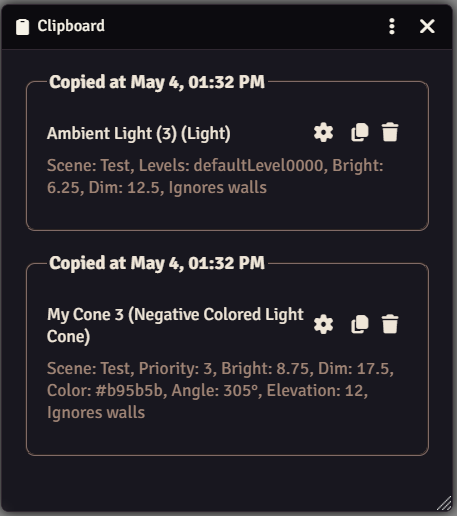
Lights
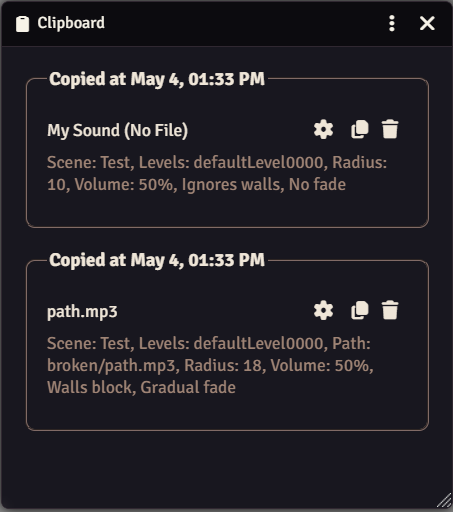
Sounds
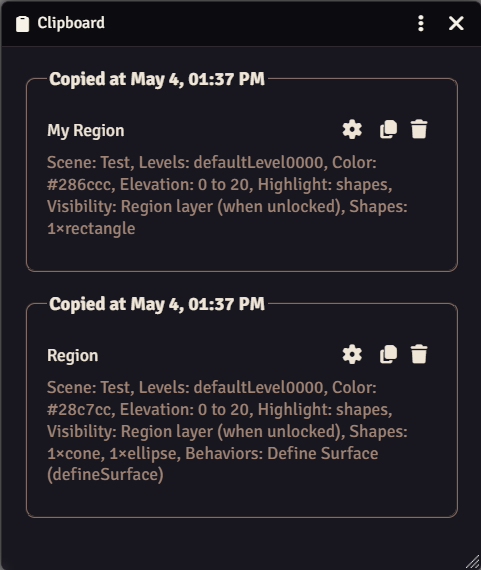
Regions
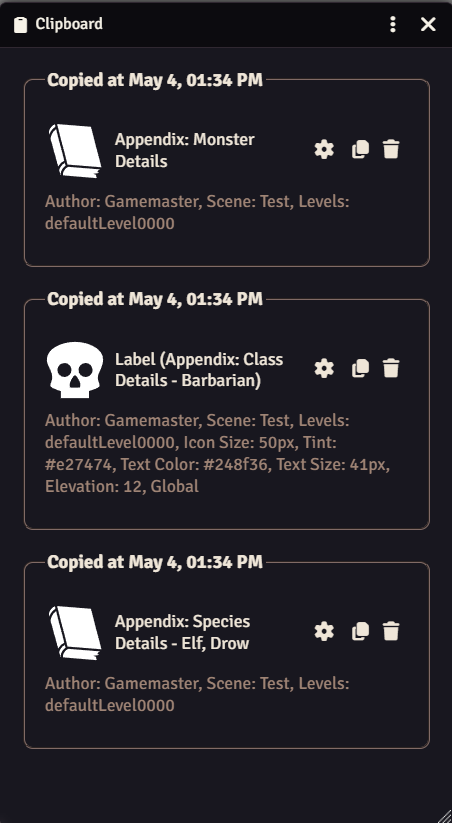
Notes
Settings
| Setting | Scope | Default | Description |
|---|---|---|---|
| Max Items | Client | 10 | The maximum number of items held on the clipboard at once, from 1 to 50. |
Keybindings
You can toggle the clipboard application with Ctrl+Shift+C by default.
Required Modules
- libWrapper by ruipin - A library that wraps core Foundry methods to make it easier for module developers to add functionality. Note that if you for some reason don't want to install this, a shim will be used instead.
- Lib: DFreds UI Extender by DFreds - A library that makes it easy to add new UI elements to Foundry